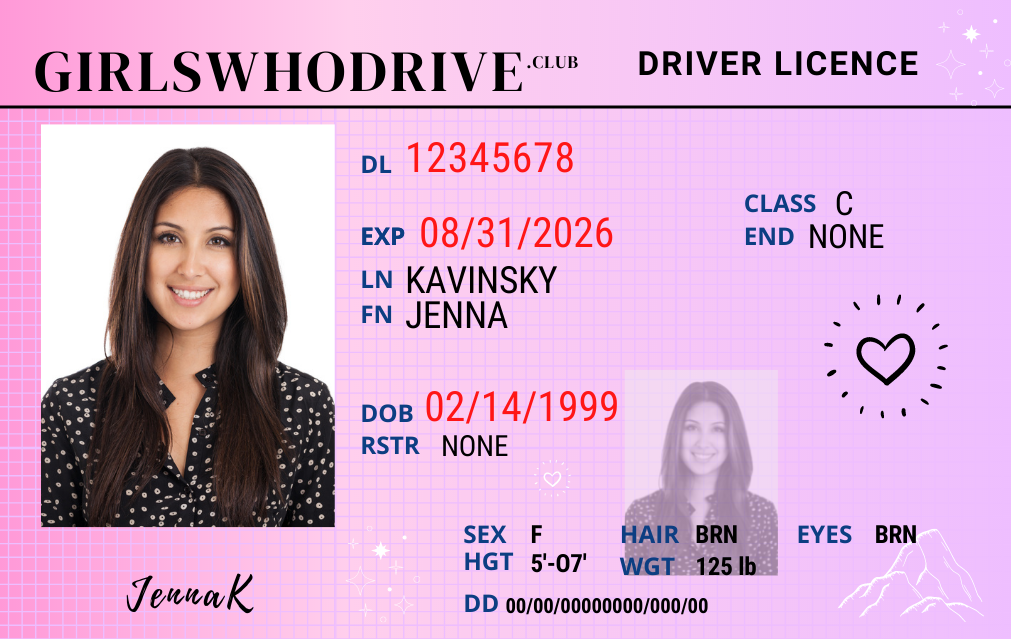
Preview Your Photo
even when you've taken the best practice photo ever, it can still look different once it's printed on a small plastic card
Find Your Best Look
Trying out different makeup, hairstyles, and poses, will help you figure out which is best for you, before the big day.
Stay Motivated
Look at this often to stay motivated until you get the real thing.
GET THE TEMPLATE.
Enter your name and email to get your template sent straight to your inbox
How to Use The Template
Choose a version
Once you've received our email, open it and click any one of the links you'd like.
Open the link in Canva
When you click any of the template links it should open in Canva on a page like the one below. Click 'Use template'.
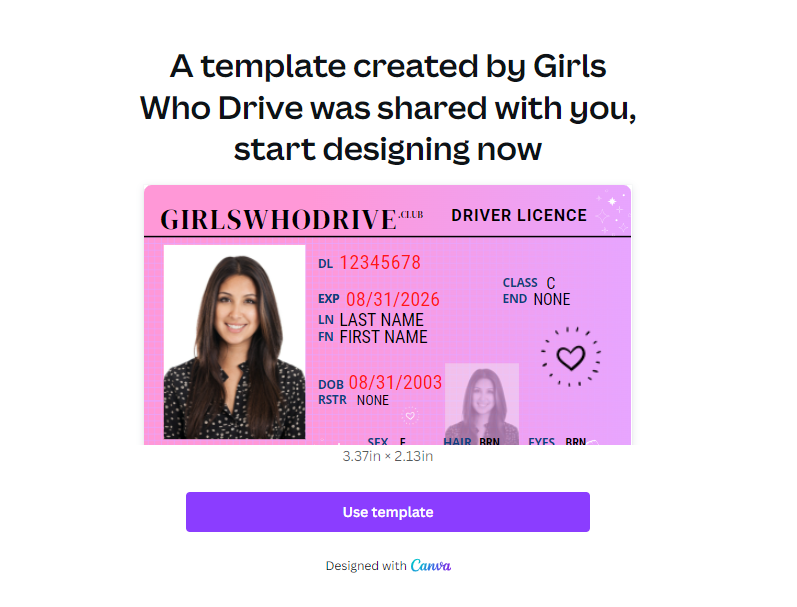
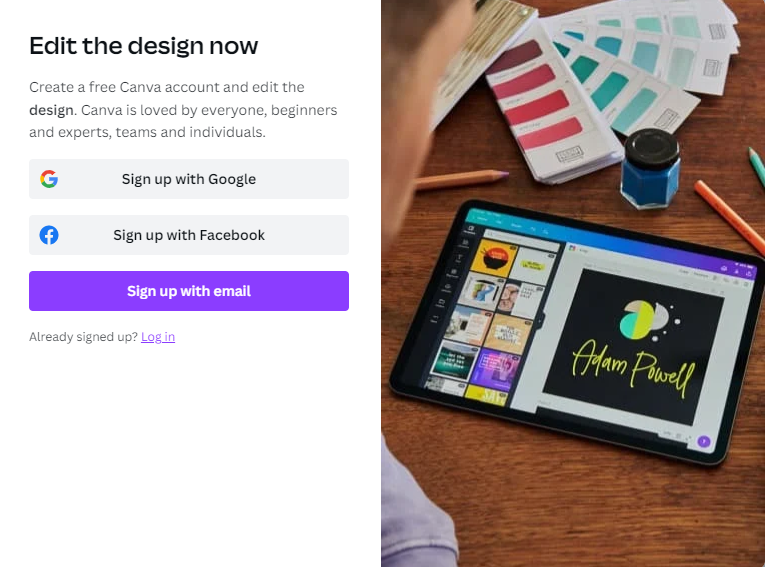
Log in or sign up for Canva
Log in or sign up, if you haven't already done so. Now, you'll be able to edit the template!
Upload your photos
From the menu, click ‘Upload‘.
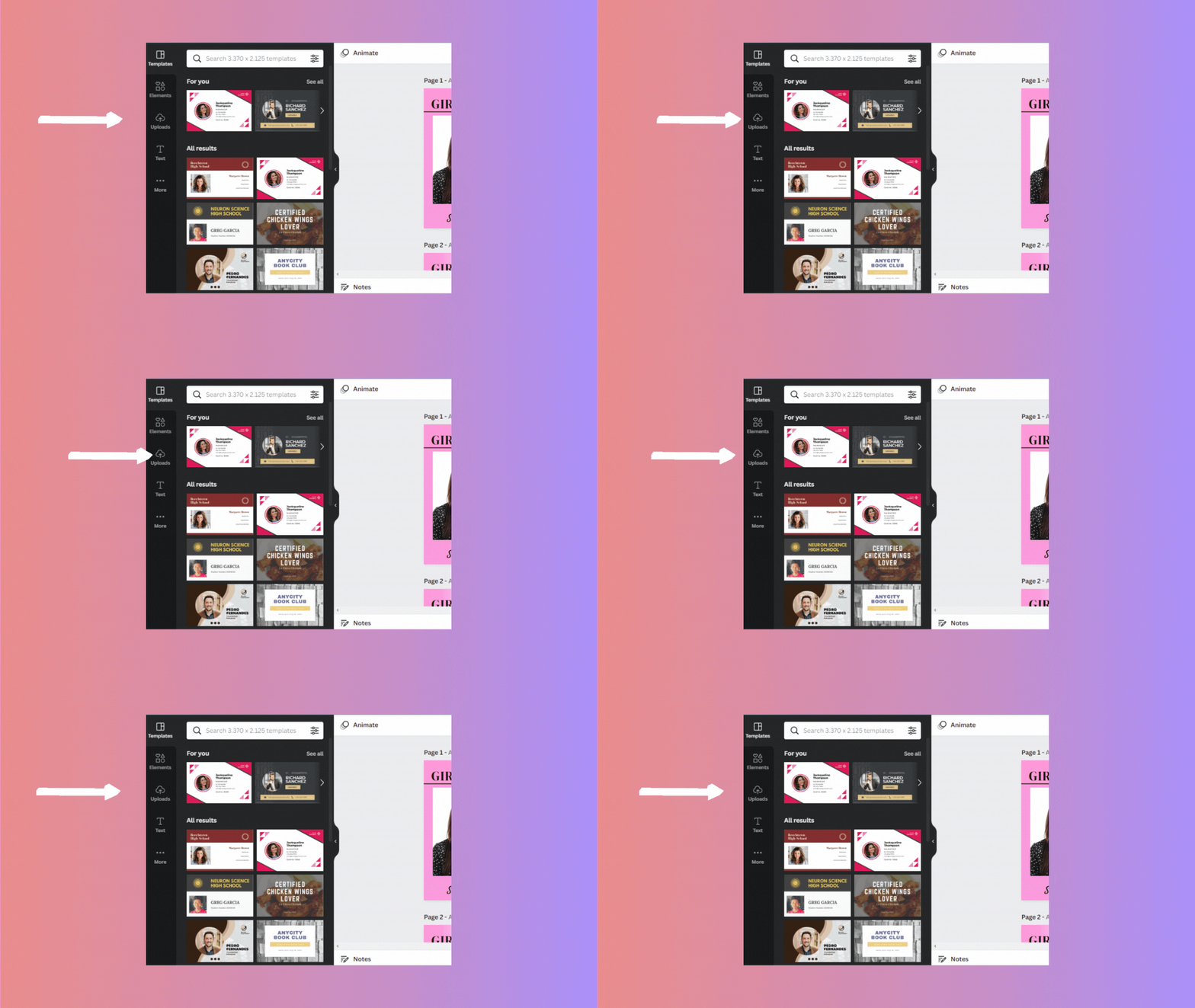
Next, click ‘Upload media‘ to upload photos from your device. You can also just drag and drop your photo into Canva, or use one of the other options available.
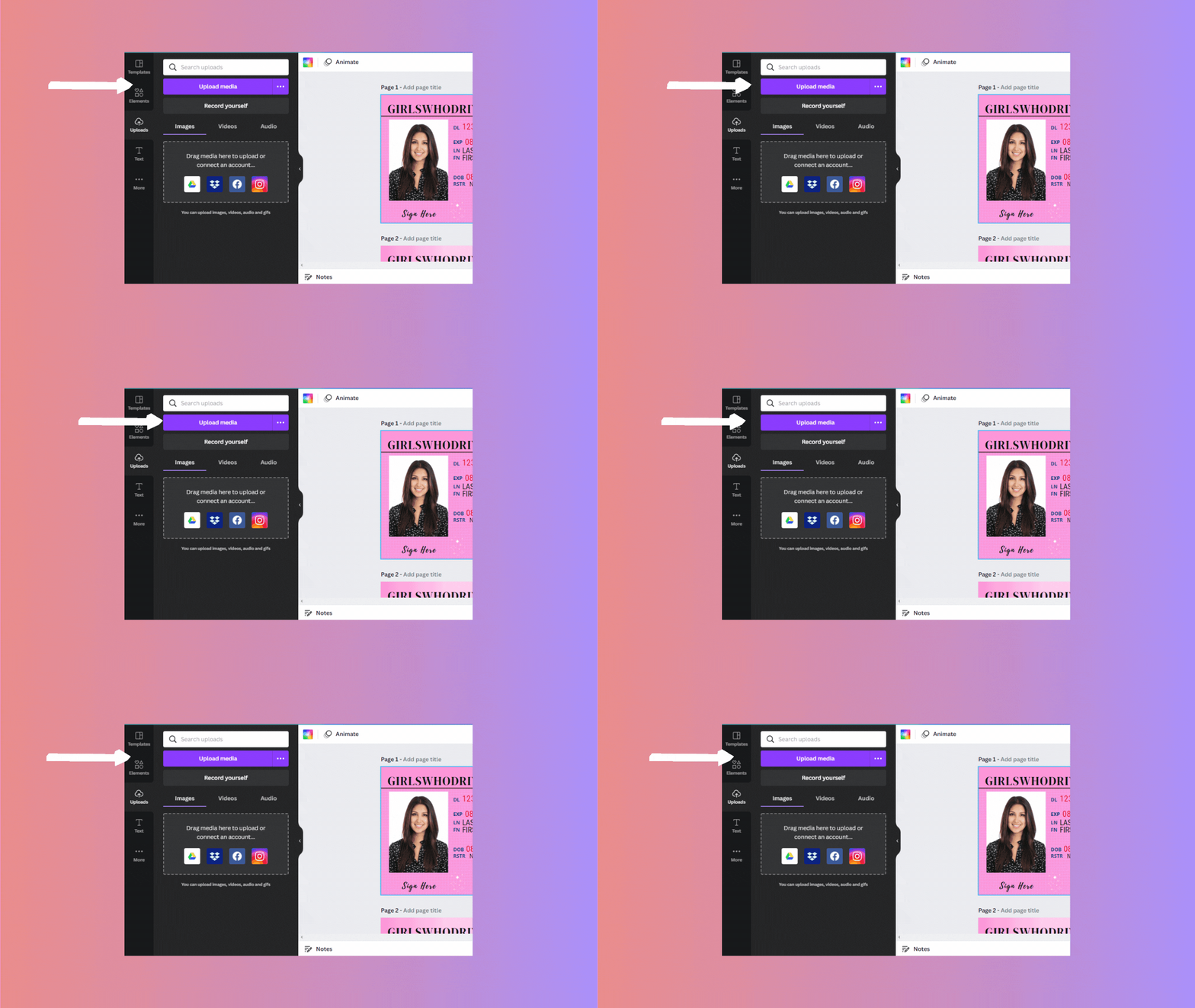
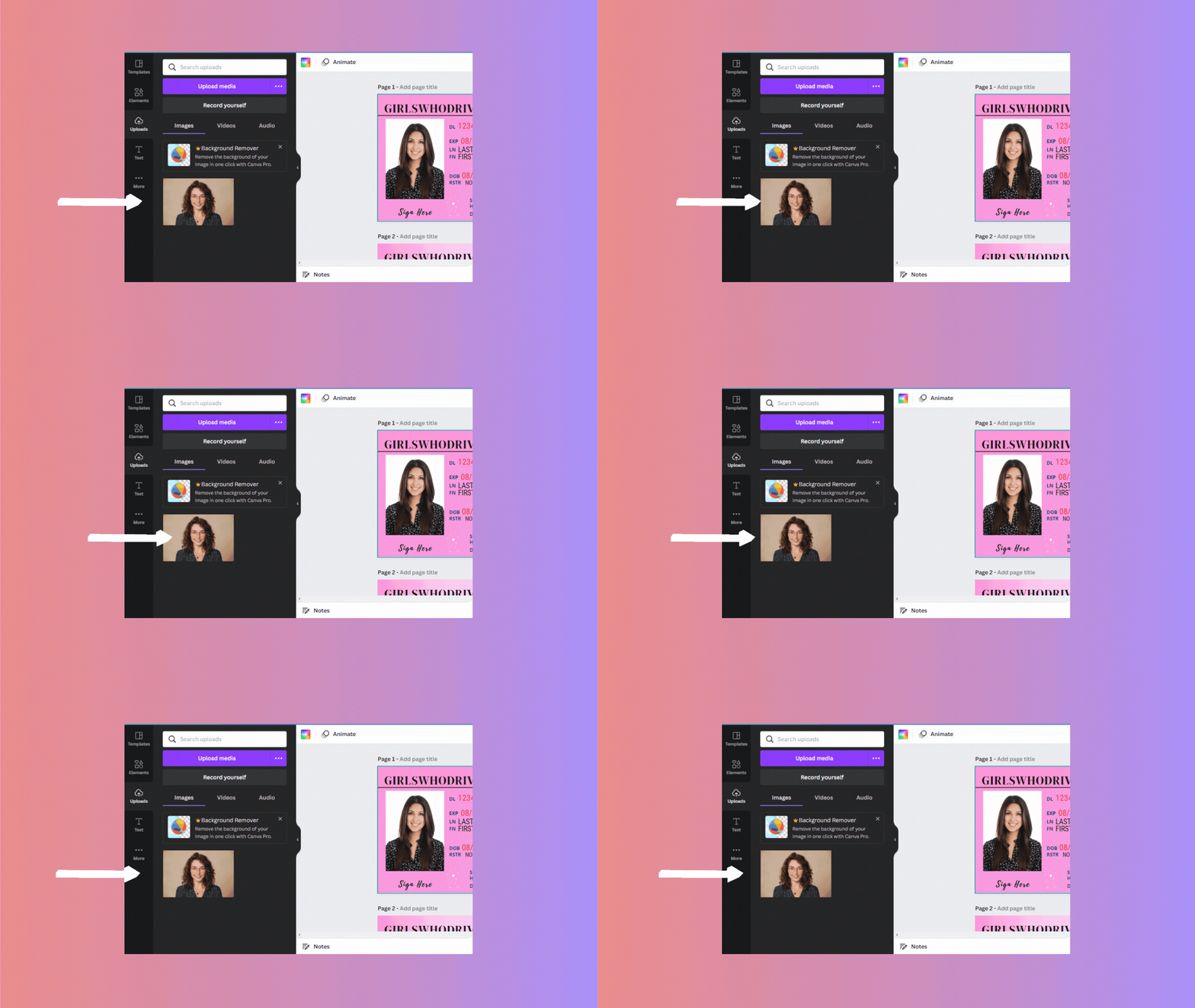
Once your photo is successfully uploaded, it’ll appear under ‘images‘, like in the picture below.
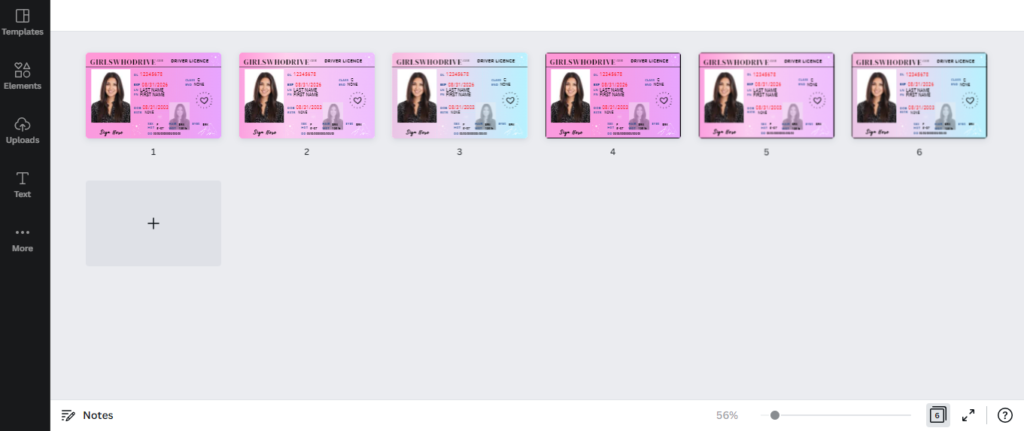
Choose a template design
Each template comes with a variety of design options.nnScroll through and choose your favorite!
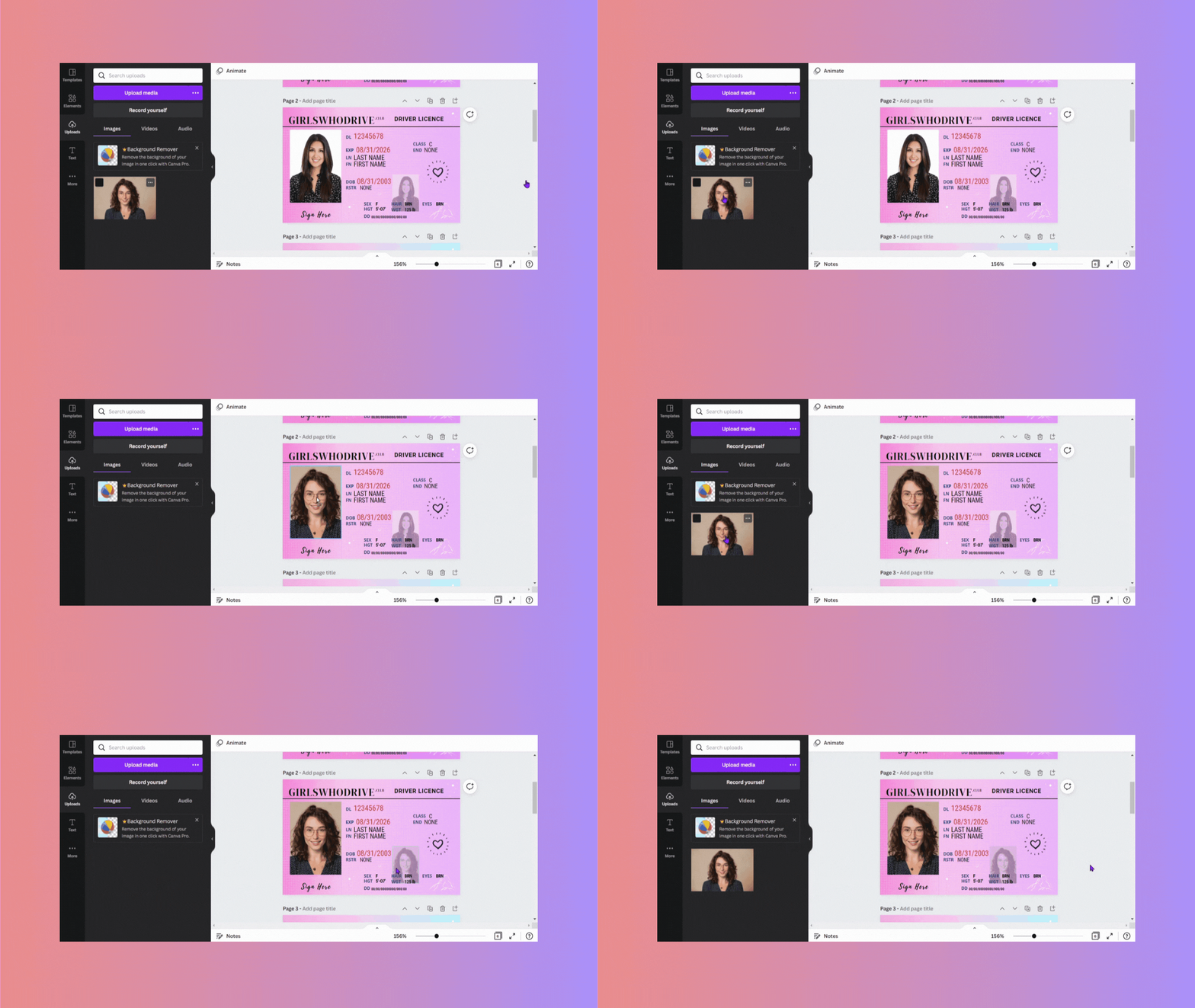
Add your photos to the template
It’s super important that you drag and drop your photo from ‘uploads’ to the areas with photos in the template.nnIf you don’t drag and drop, your images won’t be formatted right.
Change the background
If you’re not a fan of the pink background, feel free to change it! First, click the top left of the design, then unlock the layer.nnYou should see three color boxes appear in the top left of Canva.nnClick each colored square to change the colors, then re-lock the layer when you’re done.
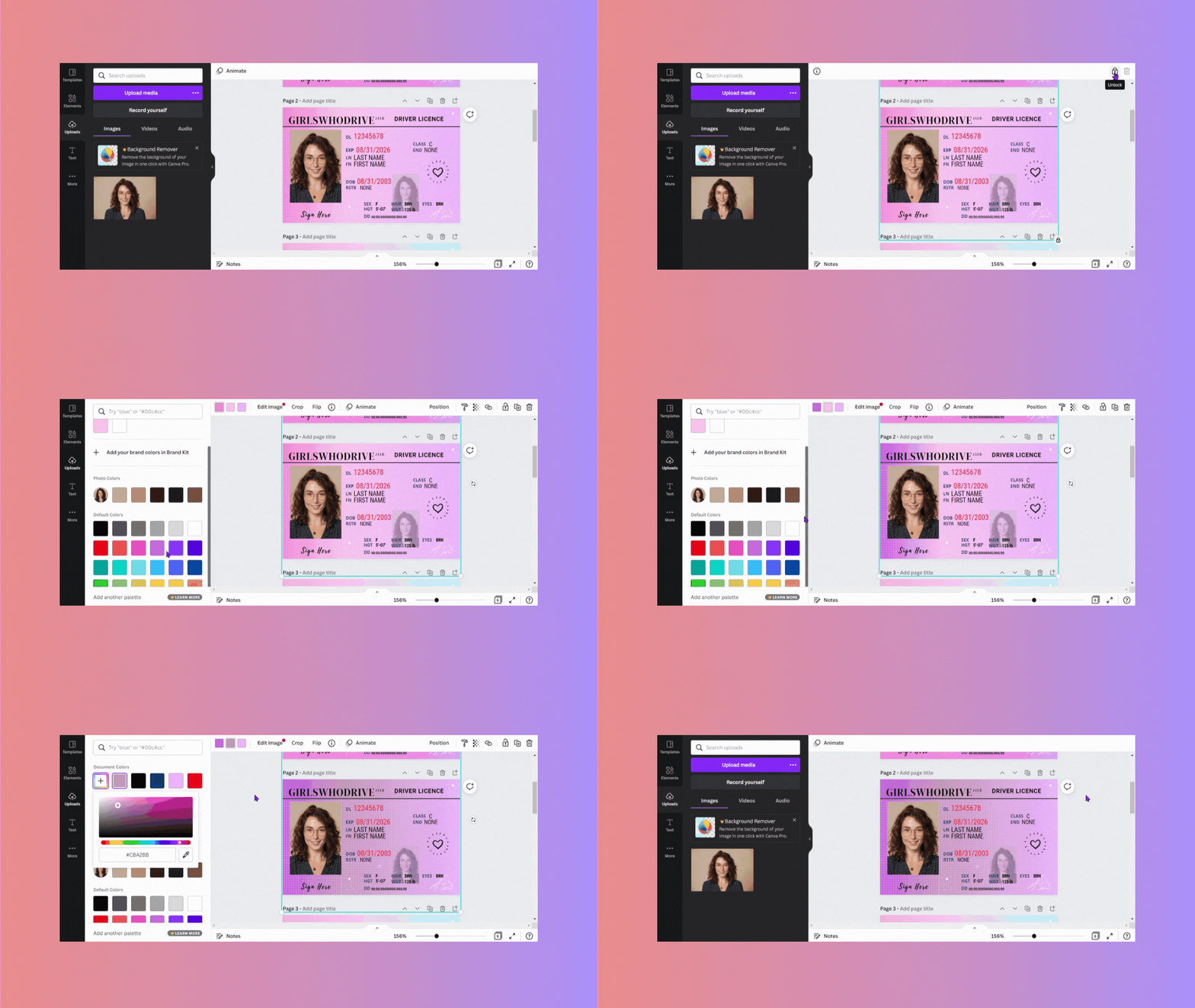
Edit the text
Simply double-click on the text boxes to change them.nnThis part is pretty easy, but we’ve created a guide for understanding the text that you may find helpful.
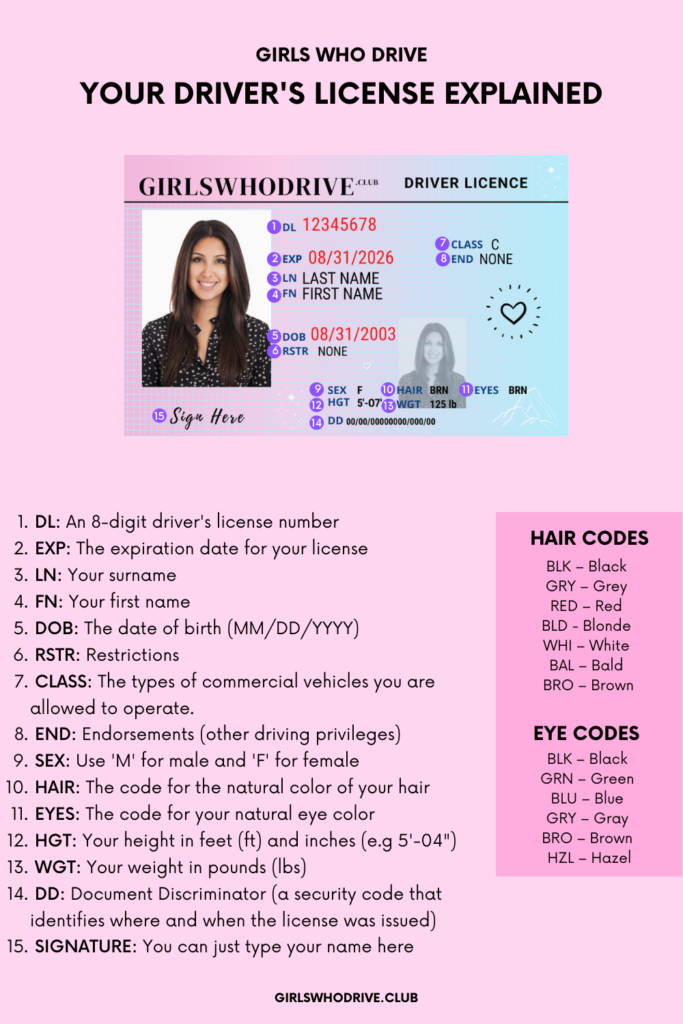
You don’t need to worry too much about the text since this is only meant for practice and fun. Once the text is all filled out, your practice driver’s license is done!
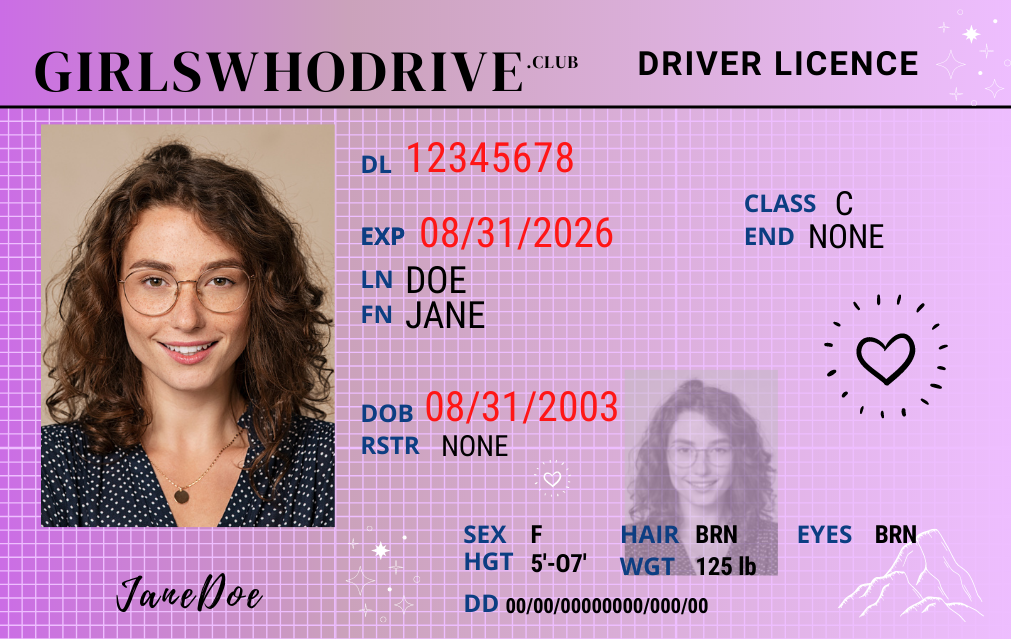
Downloading Your License
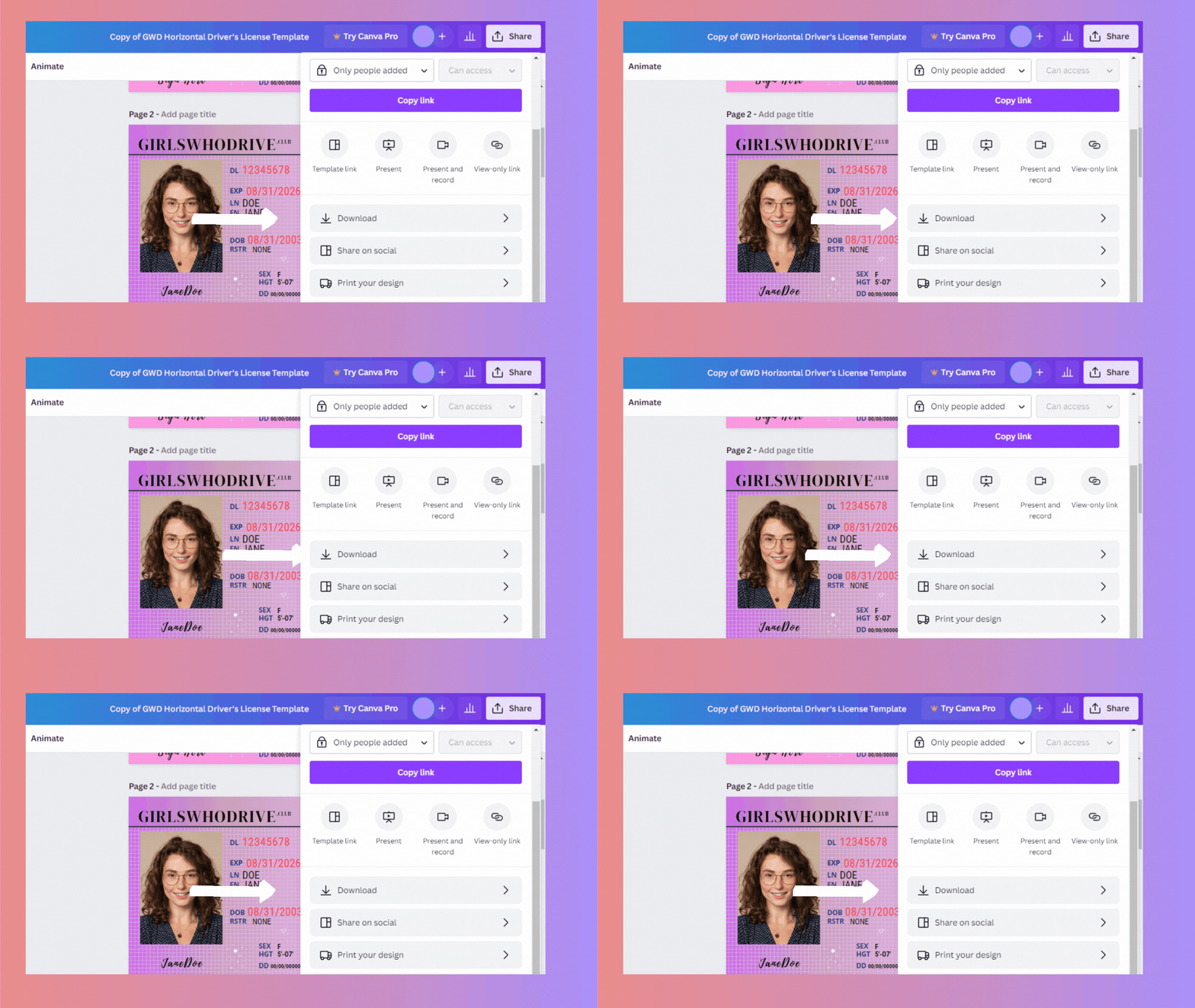
To share and print this driver’s license template, we recommend that you download it first.nnDon’t worry — it’s easy!nnFirst click ‘Share‘ in the top right corner of Canva.
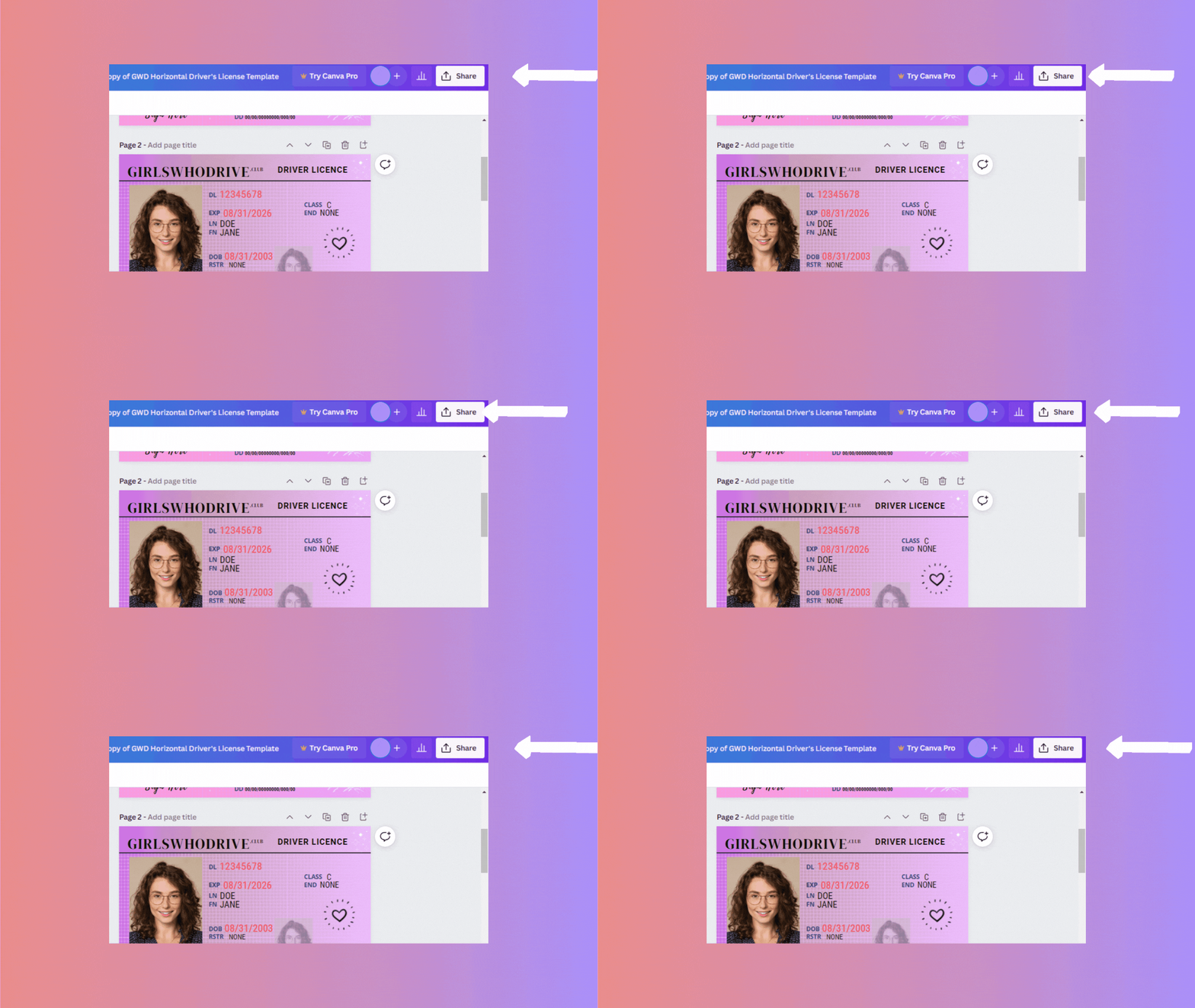
Next, scroll down to ‘Download‘.
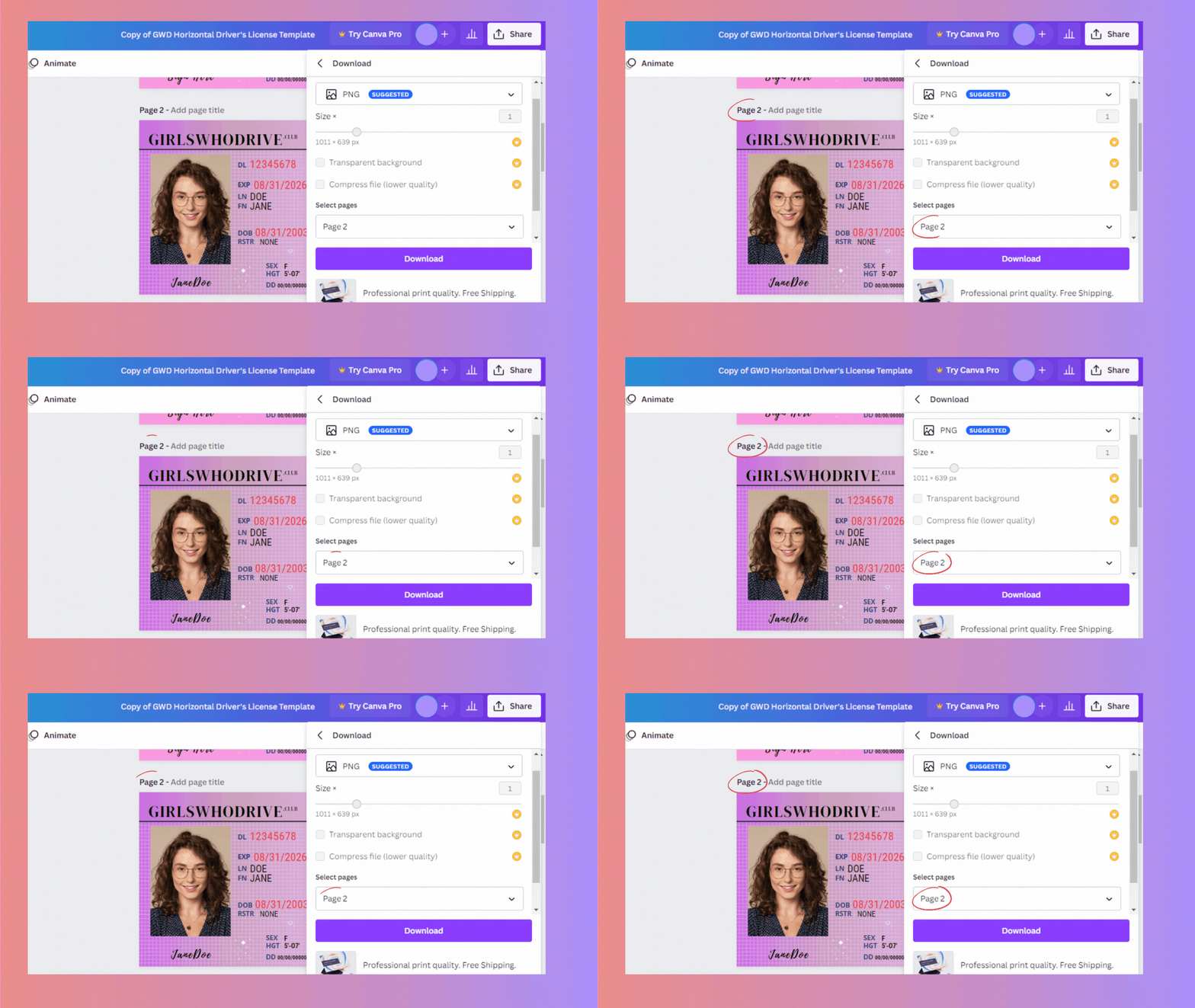
For the best quality, we recommend choosing ‘PNG‘ as the file type.nnNext, look at ‘Select pages‘.nnEnsure that it matches the number of the page you were working on, otherwise you’ll download the wrong page(s).nnAfter that, simply click ‘Download‘ to save your driver’s license on your device.
Printing Your License
This is a printable driver’s license template, so you can go ahead and print it after it’s downloaded.nnYou can stick your printed practice license on your mirror as you get ready for your photo, or add it to your vision board as motivation to get your real driver’s license (if you haven’t already).
Sharing Your License
Once your driver’s license is downloaded, you can also share it on Instagram, Pinterest, Facebook, or any other platform you use. Feel free to tag us in your posts, we’d love to see your amazing photos!
Pro Tips
Ensure your background color matches an actual license backdrop (usually white, off-white, or light gray).
Always do your research to find out what is and isn't allowed in your driver’s license photo
Position your camera at eye level. This will look the most realistic.
Try a lots of poses and hairstyles so you know what looks best.